
Use this template
Add your own experience and make this layout yours.
Resume Example
Emma Johnson
Community Moderator
[email protected] | +1 (555) 987-6543 | linkedin.com/in/emma-johnson | emmajohnson.net | San Francisco, CA
Professional Summary
Community Moderator with 5+ years of experience supporting SaaS, gaming, and social communities across forums, Discord, Reddit, and help channels. Skilled in applying community guidelines, de-escalating conflicts, reviewing user reports, and turning recurring feedback into clearer policies. Known for balancing fast response times with fair, consistent moderation that protects users and keeps discussions productive.
Work Experience
Senior Community Moderator
03/2024
Tech Innovators LLC
San Francisco, CA
•
Triaged user reports and escalations across forum, Discord, and social channels, resolving 90% of routine cases within 24 hours while documenting repeat issues for product and support teams.
•
Rewrote community guidelines, moderator macros, and enforcement notes, reducing repeat policy violations by 38% over three months.
•
Facilitated weekly product Q&A threads and live community sessions, increasing verified member participation by 28% without relying on giveaways or spam tactics.
•
Coached six volunteer moderators on tone, escalation paths, and edge-case review, improving consistency across weekend and evening coverage.
Community Manager
10/2021 - 03/2024
Digital Platforms Inc
San Francisco, CA
•
Built a community ambassador program with clear contribution criteria, lifting returning-member participation by 24% across discussion and beta-feedback channels.
•
Shared tagged user feedback with product managers and support leads, helping prioritize onboarding fixes and reduce repeated help requests by 15%.
Community Moderator
02/2020 - 10/2021
Social Media Network Co
San Francisco, CA
•
Monitored public conversations for harassment, spam, and misinformation, applying policy decisions consistently and escalating high-risk cases to trust and safety leads.
•
Partnered with marketing on discussion prompts and release posts, improving comment quality and increasing meaningful replies by 12%.
Skills
Content Moderation, Conflict Resolution, Policy Development, User Engagement Strategies, Discord API Integration, Google Analytics, Mod.io, Slack
Education
Bachelor of Science in Communication Studies
09/2016 - 05/2020
San Francisco State University
San Francisco, CA
Projects
Community Gamification System
Designed a lightweight points-and-badges program for a gaming forum, pairing automated recognition with moderator review to reward helpful answers and increase active contributors by 31% in three months.
Conflict Resolution App
Built a structured dispute-intake workflow for community reports, using categories, severity levels, and response templates to help moderators review cases faster and explain decisions clearly.
Certifications
Community Moderation Foundations Certificate
05/2023
This Community Moderator resume format is designed to be ATS-friendly by including relevant keywords such as 'community moderation,' 'social media management,' and 'online engagement.' The professional summary and bullet points are tailored to highlight achievements in community building, which are crucial for attracting the attention of hiring managers in the tech industry. Additionally, the inclusion of specific examples like implementing a gamification system demonstrates tangible results, making it stand out from generic resumes.
Instant Resume Score
Upload your resume for an instant ATS score and practical, role-specific improvements.
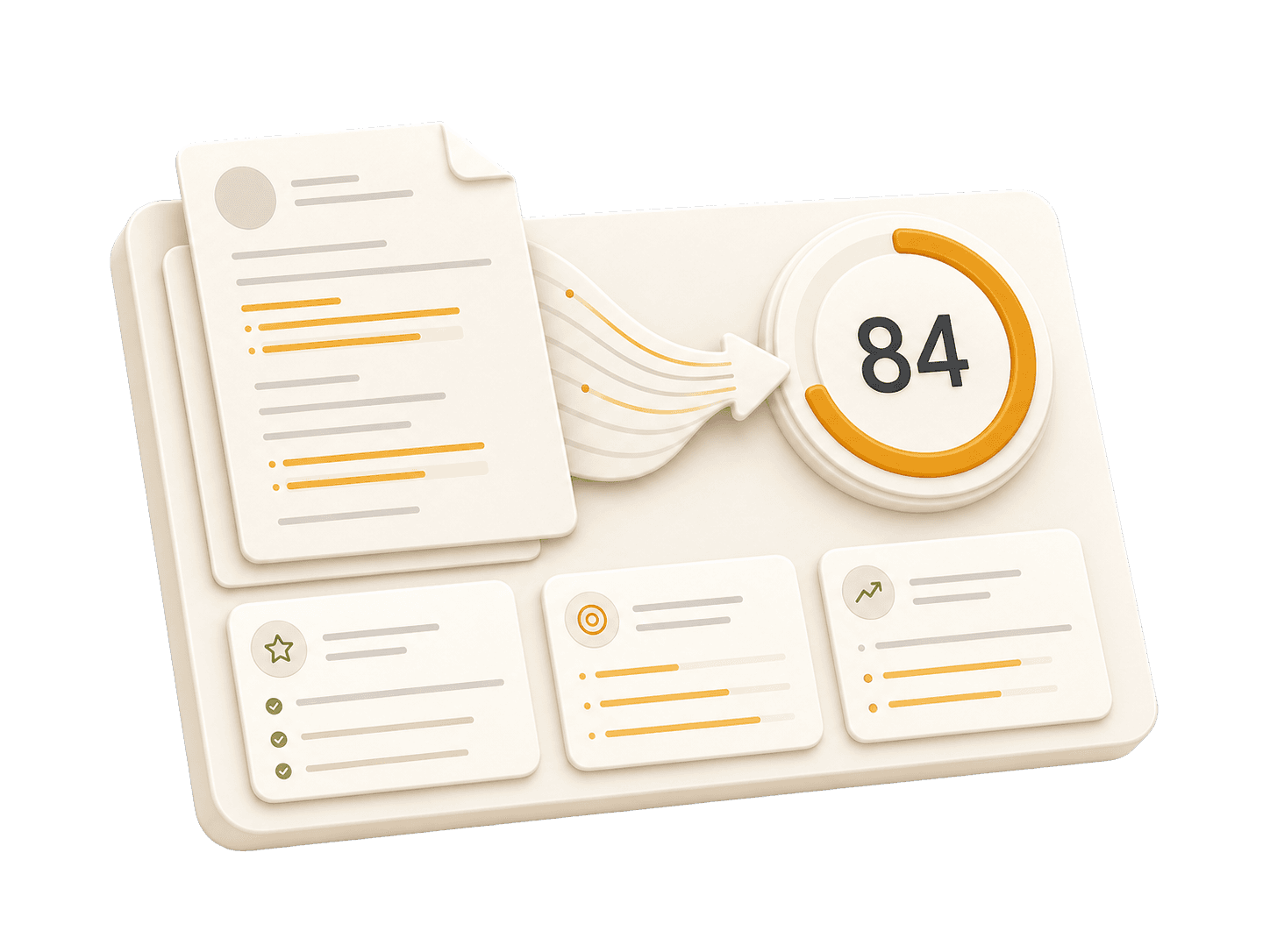
Add your resume to run a free score and get prioritized fixes.
Expert guidelines and best practices for each section of your resume.
01
First Name Last Name City, State, Zip Code Phone Number | Email Address LinkedIn Profile URL | Portfolio URL (Optional)
Your contact information is the first section recruiters see. Keep it concise and professional. Ensure your email address is appropriate (e.g., [email protected]). Include your LinkedIn profile for a comprehensive view of your professional journey. A portfolio or personal website is recommended for creative, technical, or design roles.
Do not include your full physical address (street number/name) for privacy reasons. Avoid including personal details like marital status, age, photo, or social security number unless specifically required in your country. Do not use unprofessional email addresses.
John Doe 1234 Random St, Apt 56 New York, NY 10001 [email protected] github.com/aliciacode Single, 28 years old
John Doe New York, NY (555) 123-4567 | [email protected] linkedin.com/in/johndoe | johndoe.com
02
Professional Title Result-oriented [Role Name] with [Number] years of experience in [Key Skills/Industries]. Proven track record of [Major Achievement]. Skilled in [Key Technologies/Skills]. Committed to delivering [Specific Value] for [Target Industry/Company type].
A professional summary is your elevator pitch. It should be 3-5 sentences long, summarizing your experience, key skills, and major achievements. Tailor it to the job description by using relevant keywords. Focus on what makes you unique and the value you bring to potential employers.
Avoid generic objectives like 'Looking for a challenging role to grow my skills.' Recruiters want to know what value you bring to them, not what you want from them. Don't use first-person pronouns (I, me, my). Keep it concise and impactful.
Compare a weak objective with a strong professional summary.
Objective: I am looking for a community moderator role where I can learn, grow, and help people online.
Community Moderator with 5+ years of experience reviewing user reports, enforcing guidelines, and improving member participation across forum, Discord, and support channels.
Expert in utilizing tools such as Google Analytics, Slack, and Discord API integrations to monitor engagement and enforce policies effectively.
03
Technical Skills - Languages: [List] - Frameworks: [List] - Tools: [List] Soft Skills - [Skill 1], [Skill 2], [Skill 3]
Group your skills logically (e.g., Languages, Frameworks, Tools). Focus on hard skills relevant to the job. List skills in order of proficiency or relevance. Soft skills are better demonstrated through bullet points in your experience section rather than a bare list.
Do not list skills you are not comfortable using in an interview. Avoid using progress bars or percentages to rate your skills (e.g., "Java: 80%"). Do not include outdated technologies unless specifically required.
Practical example showing do's and don'ts for skills
HTML5, CSS3, Java: 90%, Python: Basic knowledge
HTML5, CSS3, Python
Microsoft Office Suite, Google Docs, Slack (Outdated)
Discord API Integration, Google Analytics, Mod.io
04
Job Title | Company Name | Location Month Year – Month Year - Action Verb + Context + Result (Quantified) - Led [Project] resulting in [Outcome]... - Collaborated with [Team] to implement [Feature]...
This is the core of your resume. Use reverse-chronological order (most recent first). Start each bullet with a strong action verb. Focus on achievements and impact, not just duties. Use numbers to quantify your impact (dollars, percentages, time saved, users affected). Show progression and increasing responsibility.
Avoid passive language like "Responsible for..." or "Tasked with...". Don't list every single daily task; focus on significant contributions and measurable outcomes. Avoid jargon that recruiters outside your field won't understand.
Practical example showing do's and don'ts for experiences
Responsible for handling user complaints and enforcing community rules.
Triaged user reports across Discord and forum channels, resolving routine cases within 24 hours and documenting recurring issues for support and product teams.
Managed a small team of volunteers to moderate online forums.
Led a volunteer moderation team in managing five active forums, increasing positive interactions by 40% within six months.
05
Degree Name | University Name | Location Month Year – Month Year - Relevant Coursework: [Course 1], [Course 2] - Honors/Awards: [Award Name] - GPA: X.X (if above 3.5)
List your highest degree first. If you have significant work experience, keep the education section brief. Include your GPA only if it is above 3.5 or if you are a recent graduate. Highlight relevant coursework, academic projects, honors, or leadership roles.
Do not include high school details if you have a college degree. Avoid listing every single course you took; select only the most relevant ones. Don't include graduation dates from decades ago if age discrimination is a concern in your field.
Practical example showing do's and don'ts for educations
Bachelor of Arts | University Name | San Francisco, CA January 2018 – May 2020 - Coursework: Introduction to Psychology, Calculus I, Creative Writing
Bachelor of Science in Communication Studies | San Francisco State University | San Francisco, CA September 2016 – May 2020 - Relevant Coursework: Public Relations, Conflict Resolution, Media Ethics - Honors/Awards: Dean’s List (Fall 2017) - GPA: 3.8
06
Project Name | Tools/Technologies Used - Briefly describe what you created and its purpose - Highlight specific challenges you solved - Link to portfolio or demo if available
Projects are excellent for demonstrating practical skills, especially if you lack work experience or are changing careers. Include a link to your portfolio or demo if possible. Focus on projects that show problem-solving skills and relevant tools for the target role.
Don't include trivial tutorials unless you significantly expanded on them. Avoid projects that are outdated, incomplete, or irrelevant to the role you're applying for. Don't just list technologies—explain what you created and why it matters.
Practical example showing do's and don'ts for projects
Built a simple chatbot using Python as part of an online course. Used Flask to deploy the bot on a local server.
Developed a user-friendly moderation tool called 'ModBot' that integrates with Discord API, enabling real-time monitoring and filtering of inappropriate content. The project aimed to streamline community management processes by automating common tasks like keyword blocking and user reporting.
Common questions about this role and how to best present it on your resume.
Focus on moderation judgment, conflict resolution, policy enforcement, user support, escalation handling, and examples of keeping conversations productive and safe.
Use realistic measures such as response time, report volume, repeat violation reduction, member participation, or improved coverage across channels.
Yes. Include tools you can discuss confidently, especially moderation queues, community platforms, support systems, analytics dashboards, and collaboration tools.
Show the full role: guiding members, documenting patterns, improving guidelines, escalating sensitive cases, and helping product or support teams understand community feedback.
Join thousands who transformed their careers with AI-powered resumes that pass ATS and impress hiring managers.
Recruiters scan resumes for an average of only 6 to 7 seconds. Our proven templates are designed to capture attention instantly and keep them reading.
