
Cover Letter Generator
Write a cover letter for the job in front of you
Paste the job description, pick a tone, and get a specific letter with placeholders for the facts only you can supply.
- No Signup Required
- Private by Default
- Usually under 30 sec
Letter inputs
Two steps to your cover letter
Paste the job description and choose a tone to draft a letter you can send today.
Keep improving
Tailor resumeMatch another rolePractice interviewHow the letter gets written
There is no score here — this tool produces a letter, not a judgement. What it does have is a tight set of rules about what it may and may not put on the page, and those rules are the reason the output is usable rather than generic.
It never invents your history
RuleYour name, employers, education, credentials, awards, metrics and personal story are all off limits. The letter argues from what the job description asks for and from the notes you supply — never from a plausible-sounding career it made up for you.
Exactly four placeholders exist
RuleIt may leave [First Name], [Last Name], [Hiring Manager Name] and [Email], and nothing else. No [Your Achievement], no [Company Mission], no [Years of Experience] — those get written as real sentences you can edit.
Five tones, the same rules
Tone changes how the letter sounds, not what it is allowed to claim. Pick the one that matches the company you are writing to, not the one that matches how you feel about the application.
- ProfessionalSafe default for most roles
- WarmPeople-first teams and smaller firms
- ConfidentSenior roles where hedging reads badly
- ConciseWhen you suspect nobody will read past the first paragraph
- EnthusiasticMission-driven companies and career switches
Why so few placeholders
Most generators hand you a letter shot through with brackets — [Your Achievement], [Number], [Why This Company] — which leaves you writing the hard parts yourself and reformatting around their template. This one is barred from doing that. Anything that is not your literal name, the hiring manager's name or your email address has to be written as prose, so what you get back is a draft to edit rather than a form to fill. The four that remain are the details no tool can guess, and they are remembered between letters so you fill them once.
Replace every bracketed placeholder with something true before you send. The letter is written not to overstate what it cannot verify, and the fastest way to undo that is to leave a bracket in — or to fill one in with something you cannot back up in the interview.
Cover letter or job match — which one first?
The job match reads your resume against a posting and tells you where the gaps are. It answers whether you should apply at all, and what to change first if you do.
Run the match first when you are unsure about the role: a letter cannot argue around a resume that does not fit. Come here once you have decided to apply — the letter is the part that explains the gap the resume leaves, in your words rather than a recruiter's guess.
Match your resume to this jobFrequently asked questions
- Will it make up things about me?
- No. It is barred from inventing your name, employers, education, credentials, awards, metrics or personal story. If you give it nothing about yourself it writes from the job description alone, which produces a thinner but honest letter.
- Why are there brackets in my letter?
- Only four are allowed: [First Name], [Last Name], [Hiring Manager Name] and [Email]. They mark the details no tool can know. Fill them in the panel under the letter and they are substituted everywhere at once, including in the downloads.
- Do I need to upload my resume?
- No — this tool reads the job description, not your resume. If you want the letter to reference specific experience, put it in the candidate notes. That field is optional but it is the single biggest difference between a generic letter and a specific one.
- Which tone should I choose?
- Professional is the safe default. Confident suits senior roles where hedged language reads as uncertainty, concise suits high-volume applications, warm suits smaller and people-first teams, and enthusiastic suits mission-driven companies or a career switch you need to explain.
- Can I edit the letter here?
- Yes. The subject line and the letter are both editable in place, and your edits carry into the copy, TXT and PDF outputs. Nothing is locked.
- Will a recruiter know it was AI-written?
- They might, if you send it untouched — that is true of any generated letter. The draft is meant to get you past the blank page, not to be sent as-is. Replace the placeholders, cut anything that does not sound like you, and add the one detail only you would think to mention.
- What formats can I download?
- Copy to clipboard, plain TXT, or a formatted PDF. All three use the letter as you have edited it, with placeholder values already substituted.
- Is the cover letter generator free?
- Yes. Generating the letter, editing it and downloading it in any format costs nothing and needs no account. A free Minova account adds the personalisation tips and keeps your letters.
Already optimizing your career? Sign in for full access
Popular articles
Grow your career
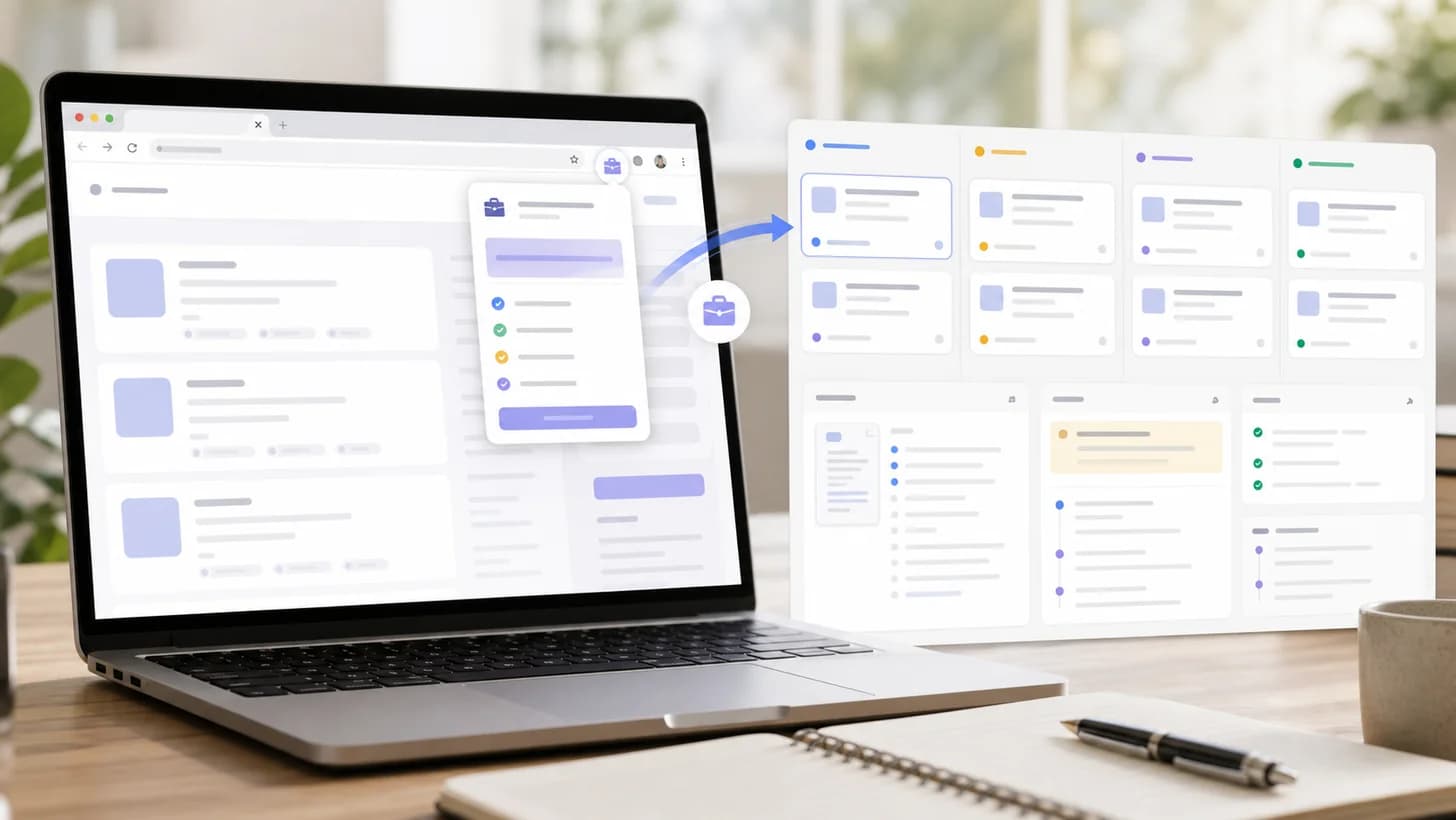
Job Tracker Extension Guide: Save Jobs and Tailor Resumes
Learn how Minova's job tracker extension saves role details, keeps applications organized, and turns job descriptions into resume-tailoring context.
by Milad Bonakdar
Author
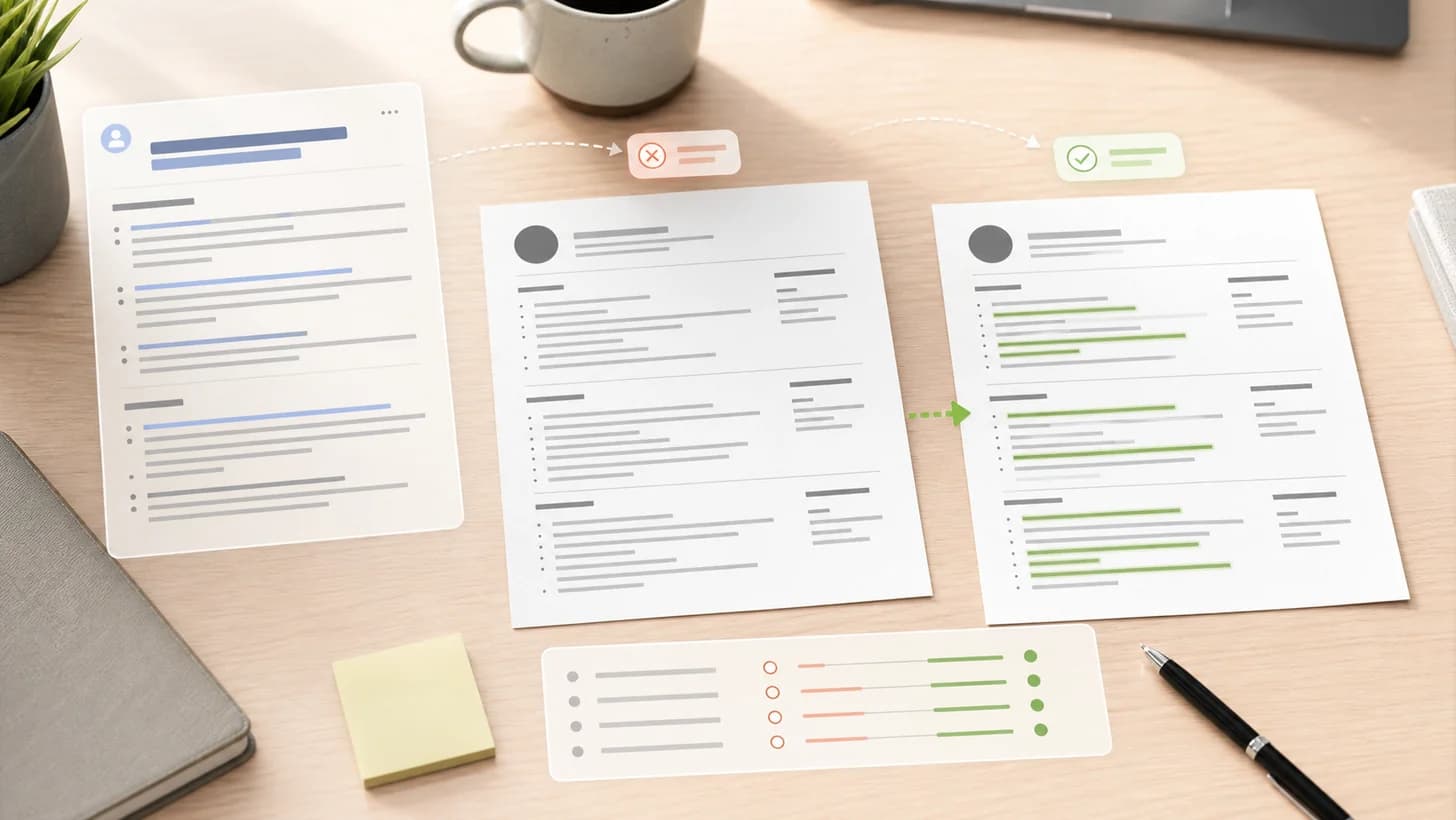
Why Resume Tailoring Matters for Job Applications
Learn why resume tailoring matters, what to change for each job, and how Minova helps you turn a broad resume into a focused application.
by Milad Bonakdar
Author
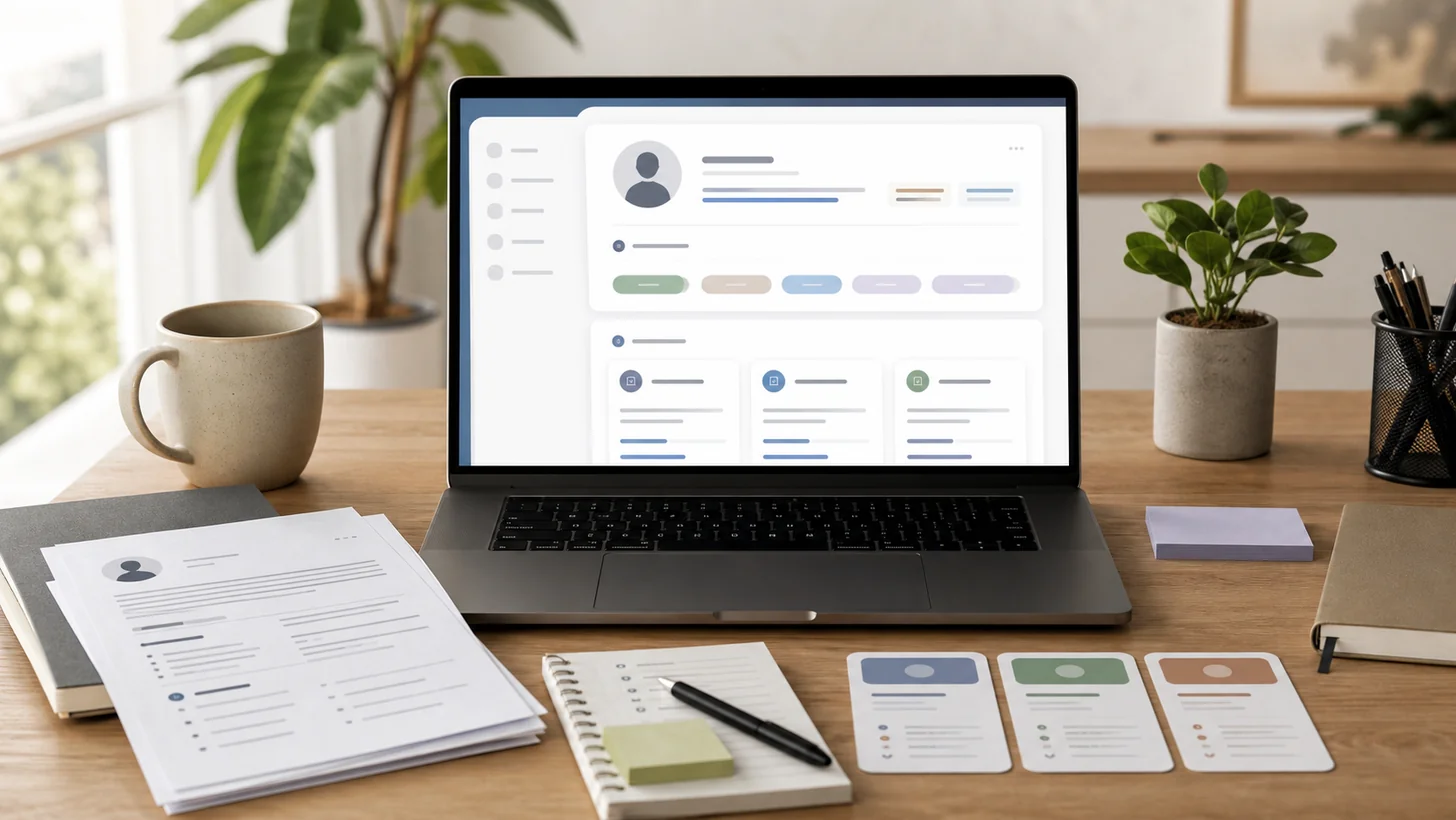
What Is a Career Profile? A Minova Guide for Job Seekers
Learn what a career profile is, how it differs from a resume, and what to add so Minova can help you tailor stronger resumes faster.
by Milad Bonakdar
Author
Career Interests Workbook: Find Job Ideas That Fit You
Use a free career interests workbook to identify the work you enjoy, connect it to your strengths and values, and turn your notes into job titles, resume keywords, and next steps.
by Mona Minaie
Author