
Job Keyword Extractor
Pull the keywords a job posting is really screening for
Paste any job description to get its skills ranked by importance and split into hard skills, soft skills, and hiring signals.
- No Signup Required
- Private by Default
- Usually under 30 sec
Job description

One step to your keyword map
Paste the job description to see which skills the posting actually weights.
Keep improving
Match another roleTailor resumeWrite cover letterHow keywords get ranked
Every term the posting mentions comes back with an importance score between 0 and 1. That number — not the order the words appear in the text — decides where a keyword lands and which ones are worth rewriting your resume around.
Importance, not frequency
0–1A skill named once under requirements outranks one repeated three times in the boilerplate. The score reflects how central the term is to the role, so a long nice-to-have list cannot drown out the two things the job actually needs.
Hard, soft, or signal
3 typesHard skills are tools, technologies and measurable capabilities. Soft skills are ways of working. Everything else — location, contract type, culture cues — is a hiring signal that belongs in your cover letter rather than your skills list.
Where the cut-offs sit
The extractor marks a keyword high priority at 0.75 and above. Below that, importance is a judgement call you make against your own experience.
- ≥ 0.75Mirror these exactly, if true
- 0.4–0.75Include when you can back it up
- < 0.4Context, not a checklist item
What to actually do with the list
Start with the high-priority hard skills you genuinely have and make sure the exact phrasing appears in your experience section, not just your skills block — that is where an ATS finds evidence rather than a claim. Soft skills belong inside a bullet that proves them. Anything you cannot defend in an interview should stay off the resume, however high it scores.
The importance scores come from a model reading the posting, so a second run can shift a keyword by a few points. The split between hard, soft and signal, and which terms appear at all, are far more stable than the exact numbers.
Keyword map or resume job match — which one?
This tool reads the posting alone. It tells you what the job is asking for, which is what you want when you are deciding whether to apply or writing something from scratch.
The job match reads the posting against your actual resume and tells you which of these keywords you already cover and which you are missing. Come here to understand the role; go there once you want to know where you stand against it.
Match your resume to this jobFrequently asked questions
- What does the importance score mean?
- It is a 0 to 1 rating of how central a term is to the role, based on where and how the posting talks about it. Anything at 0.75 or above is marked high priority — those are the terms a recruiter or an ATS is most likely to be filtering on.
- Should I add every keyword to my resume?
- No. Add the ones that are true of you, starting with the high-priority hard skills. Padding a skills list with terms you cannot discuss is the fastest way to fail a screening call after passing the filter.
- What is the difference between hard and soft skills here?
- Hard skills are specific and checkable — tools, languages, methodologies, certifications. Soft skills describe how you work. Both matter, but they belong in different places: hard skills in a skills block and in your bullets, soft skills demonstrated inside the bullets themselves.
- Why did it pull out things that are not skills?
- Those are hiring signals — remote or hybrid, contract type, team size, culture cues. They are not for your skills section, but they tell you what the company cares about, which is useful for a cover letter or an interview question.
- Can I use this on a posting in another language?
- Yes. The extractor reads the posting in whatever language it is written in and returns the keywords in that language, because that is the vocabulary the ATS will be matching against.
- How is this different from just reading the job description?
- It is not a substitute for reading it. What it adds is ranking and grouping: which of the twenty things listed actually matter most, and which are boilerplate. That is the part people consistently get wrong by eye.
- Do I need an account?
- No. Pasting a posting and reading the high-priority keywords costs nothing and needs no account. A free Minova account opens the full breakdown and keeps your keyword maps.
- Is there a length limit on the job description?
- Paste the whole posting — requirements, responsibilities, the lot. More context produces a better ranking. Very short postings work too, but there is less for the extractor to weigh.
Already optimizing your career? Sign in for full access
Popular articles
Grow your career
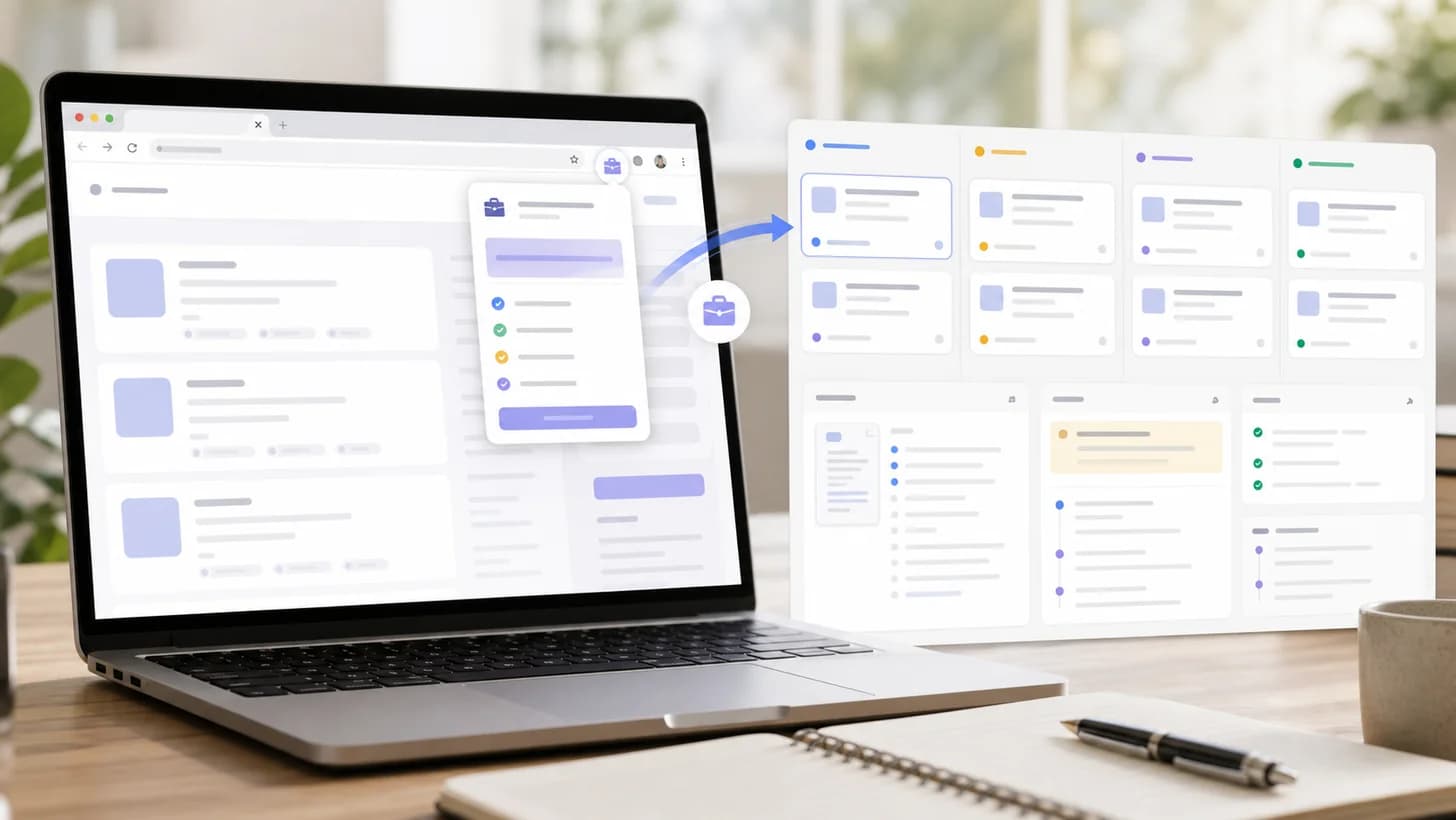
Job Tracker Extension Guide: Save Jobs and Tailor Resumes
Learn how Minova's job tracker extension saves role details, keeps applications organized, and turns job descriptions into resume-tailoring context.
by Milad Bonakdar
Author
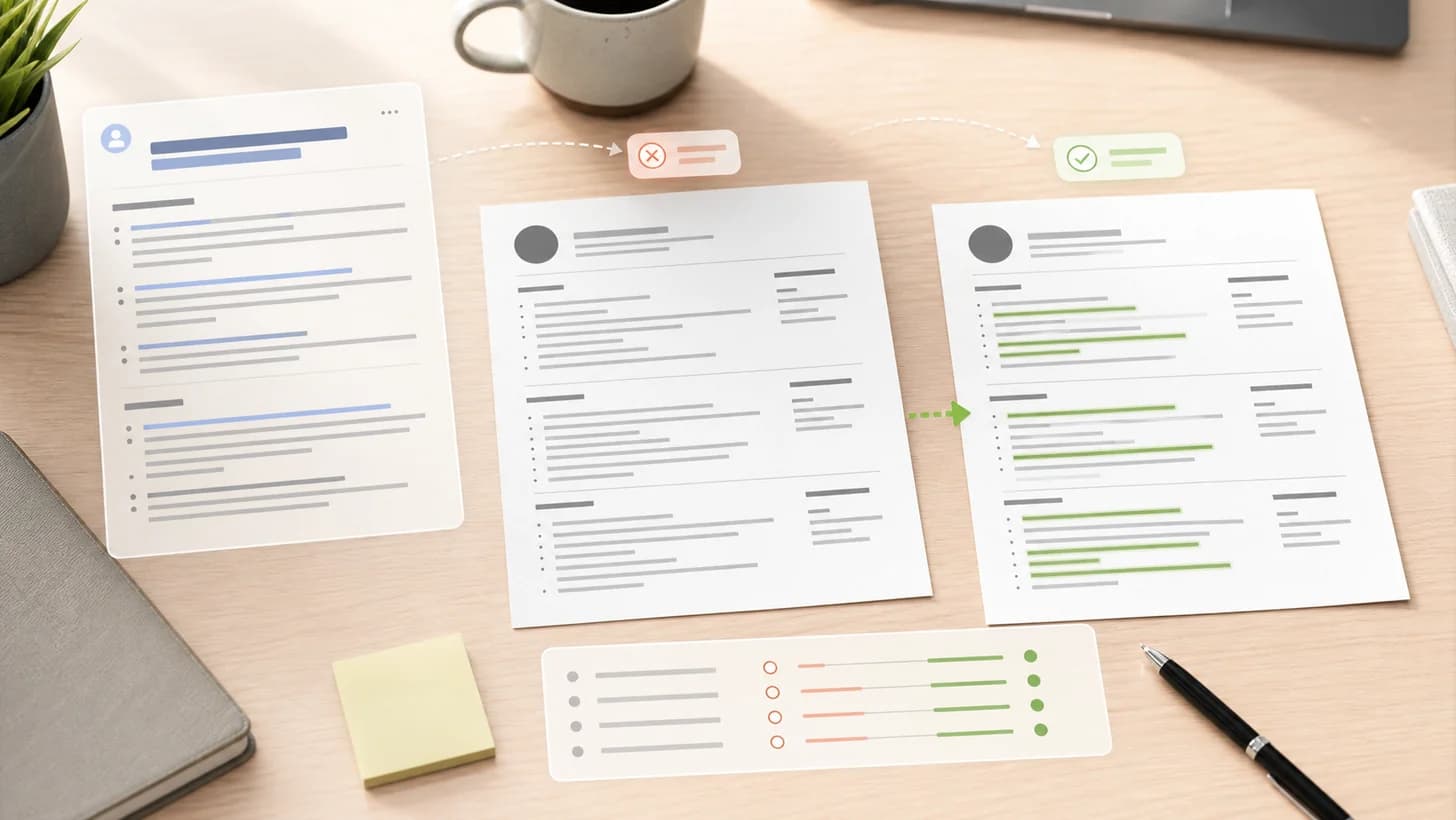
Why Resume Tailoring Matters for Job Applications
Learn why resume tailoring matters, what to change for each job, and how Minova helps you turn a broad resume into a focused application.
by Milad Bonakdar
Author

What Is a Career Profile? A Minova Guide for Job Seekers
Learn what a career profile is, how it differs from a resume, and what to add so Minova can help you tailor stronger resumes faster.
by Milad Bonakdar
Author

Career Interests Workbook: Find Job Ideas That Fit You
Use a free career interests workbook to identify the work you enjoy, connect it to your strengths and values, and turn your notes into job titles, resume keywords, and next steps.
by Mona Minaie
Author