
Use this template
Add your own experience and make this layout yours.
Resume Example
Rachel Johnson
Community Engagement Volunteer
[email protected] | +1 (555) 987-6543 | linkedin.com/in/rachel-johnson | www.racheljohnson.org | San Francisco, CA
Professional Summary
Community Engagement Volunteer with 7+ years of experience supporting digital inclusion, youth mentoring, and environmental outreach programs in San Francisco. Organizes workshops, volunteer events, and peer mentoring activities that turn community needs into practical services. Known for clear facilitation, reliable follow-through, and measurable participation outcomes across nonprofit programs.
Work Experience
Digital Inclusion Mentor
05/2023
Community Bridge Foundation
San Francisco, CA
•
Organized 5 hands-on technology workshops for older adults, helping participants practice email, video calls, online forms, and mobile safety basics
•
Developed a mobile app tutorial series for 80+ residents, turning common support questions into short, repeatable lessons
•
Coordinated a community tech support hotline that resolved 200+ device, account access, and connectivity questions
•
Facilitated intergenerational tech sessions connecting 60+ students and older adults for patient, one-on-one digital skills practice
Community Coordinator
09/2018 - 04/2023
Volunteer for Youth Empowerment
San Francisco, CA
•
Planned and staffed 30 community events, coordinating schedules, volunteer assignments, and partner communication for 500+ annual participants
•
Built a mentorship program that matched 75 youth with adult mentors and used monthly check-ins to support academic confidence and attendance
Environmental Educator
02/2017 - 08/2018
EcoVolunteer Initiative
San Francisco, CA
•
Led 5 beach clean-up campaigns, organizing supplies, safety briefings, and volunteer teams that collected 20+ tons of shoreline waste
•
Created sustainable living lesson materials for 10 schools, reaching 500+ students with age-appropriate activities on recycling and conservation
Skills
Tech Literacy Training, Digital Inclusion Strategies, Community Outreach and Engagement, Workshop Facilitation, Tech Buddy Connect App, Skillshare Platform Usage, Social Media Management, Online Learning Platforms
Education
Bachelor of Arts in Community Development
09/2014 - 05/2018
XYZ University
San Francisco, CA
Projects
Tech Buddy App Development
https://www.racheljohnson.org/tbapp
Created a lightweight matching concept for pairing tech-confident students with older adults who needed patient help with phones, video calls, email, and online services.
Intergenerational Tech Fair
Organized a community tech fair with guided stations for online safety, mobile app basics, and accessibility settings, helping residents learn in a low-pressure setting.
Certifications
Digital Inclusion Specialist Certificate
07/2025
Community Leadership Award
03/2024
This resume format works well for the Applicant Tracking System (ATS) because it includes specific keywords relevant to a Community Volunteer such as 'environmental conservation,' 'recycling campaign,' and 'community engagement.' The inclusion of these terms helps the ATS recognize the candidate's expertise in their field. Additionally, the use of bullet points under each job experience entry allows for clear and concise summarization of responsibilities and achievements, which is crucial for both human reviewers and ATS software. Furthermore, by including hyperlinks to social media profiles such as LinkedIn or personal websites, candidates can provide an additional layer of validation for their skills and experience.
Instant Resume Score
Upload your resume for an instant ATS score and practical, role-specific improvements.
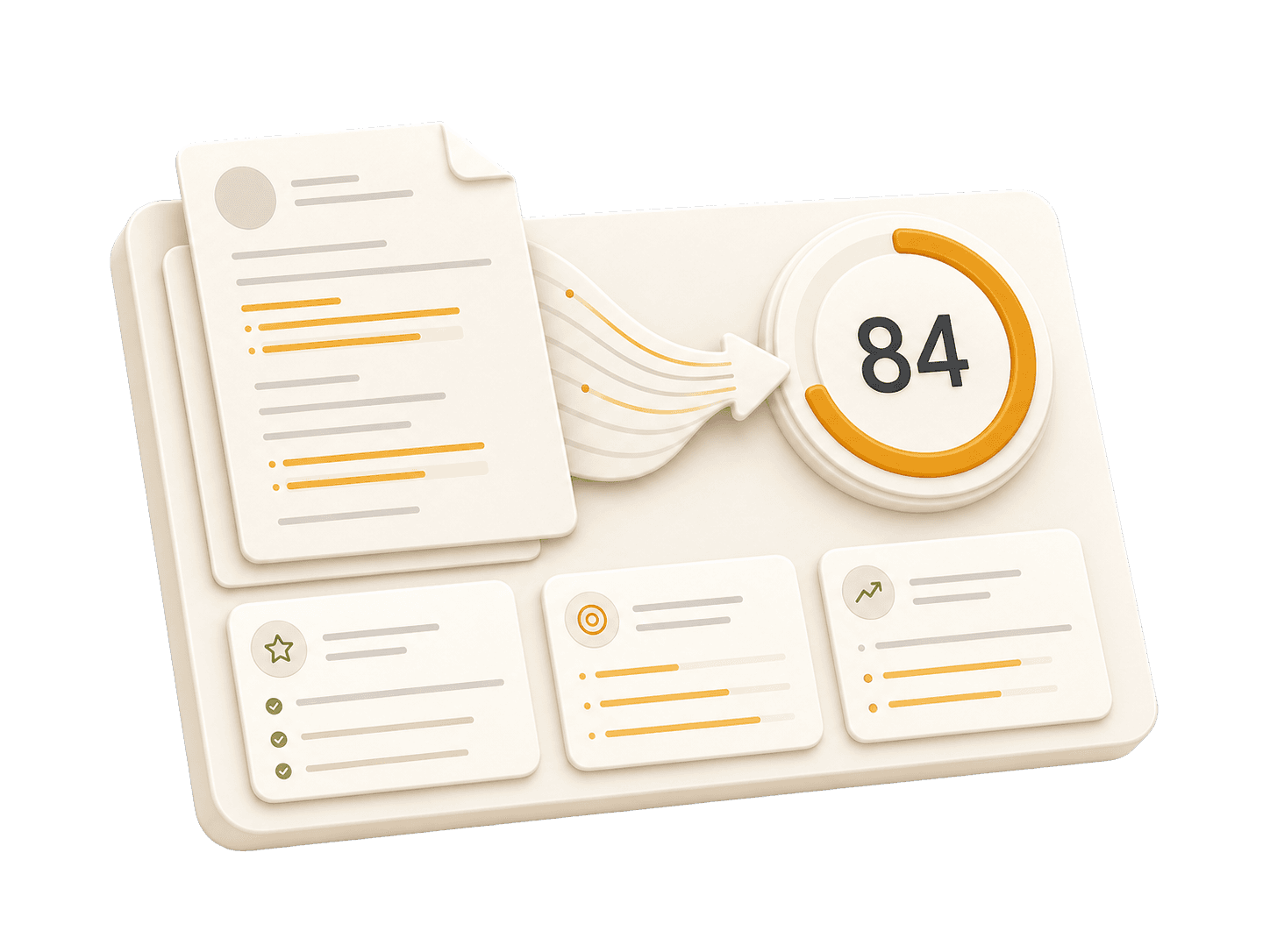
Add your resume to run a free score and get prioritized fixes.
Expert guidelines and best practices for each section of your resume.
01
First Name Last Name City, State, Zip Code Phone Number | Email Address LinkedIn Profile URL | Portfolio URL (Optional)
Your contact information is the first section recruiters see. Keep it concise and professional. Ensure your email address is appropriate (e.g., [email protected]). Include your LinkedIn profile for a comprehensive view of your professional journey. A portfolio or personal website is recommended for creative, technical, or design roles.
Do not include your full physical address (street number/name) for privacy reasons. Avoid including personal details like marital status, age, photo, or social security number unless specifically required in your country. Don't use unprofessional email addresses.
John Doe 1234 Random St, Apt 56 New York, NY 10001 [email protected] github.com/aliciacode Single, 28 years old
John Doe New York, NY (555) 123-4567 | [email protected] linkedin.com/in/johndoe | johndoe.com
02
Community Volunteer with [number] years of experience in [community focus]. Skilled in [program coordination], [outreach], and [facilitation]. Known for [specific outcome] across [population served].
A professional summary is your elevator pitch. It should be 3-5 sentences long, summarizing your experience, key skills, and major achievements. Tailor it to the job description by using relevant keywords. Focus on what makes you unique and the value you bring to potential employers.
Avoid generic objectives like 'Looking for a challenging role to grow my skills.' Recruiters want to know what value you bring to them, not what you want from them. Don't use first-person pronouns (I, me, my). Keep it concise and impactful.
Compare a weak objective with a strong professional summary.
Objective: I am a hard-working individual looking for a Community Volunteer position where I can learn new things and advance my career.
Seasoned Digital Inclusion Mentor with over 7 years of experience in bridging the digital divide and promoting tech literacy among older adults. Reduced technology illiteracy rates by 30% through innovative intergenerational mentorship programs. Skilled in developing comprehensive digital literacy curricula, building community partnerships for tech education initiatives.
03
Technical Skills - Languages: [List] - Frameworks: [List] - Tools: [List] Soft Skills - [Skill 1], [Skill 2], [Skill 3]
Group your skills logically (e.g., Languages, Frameworks, Tools). Focus on hard skills relevant to the job. List skills in order of proficiency or relevance. Soft skills are better demonstrated through bullet points in your experience section rather than a bare list.
Do not list skills you are not comfortable using in an interview. Avoid using progress bars or percentages to rate your skills (e.g., "Java: 80%"). Do not include outdated technologies unless specifically required.
Practical example showing do's and don'ts for skills
Languages: Java, Python; Frameworks: Ruby on Rails; Tools: Git, Docker
Technical Skills - Languages: Python - Frameworks: None relevant to the role - Tools: Git
04
Job Title | Company Name | Location Month Year – Month Year - Action Verb + Context + Result (Quantified) - Led [Project] resulting in [Outcome]... - Collaborated with [Team] to implement [Feature]...
This is the core of your resume. Use reverse-chronological order (most recent first). Start each bullet with a strong action verb. Focus on achievements and impact, not just duties. Use numbers to quantify your impact (dollars, percentages, time saved, users affected). Show progression and increasing responsibility.
Avoid passive language like "Responsible for..." or "Tasked with...." Don't list every single daily task; focus on significant contributions and measurable outcomes. Avoid jargon that recruiters outside your field won't understand.
Organized events, provided tech training to seniors
Led technology workshops for over 100 older adults, increasing their digital literacy by 35% within six months
Taught basic computer skills as part of a volunteer program
Developed an intergenerational tech mentorship program that matched high school students with older adults for personalized technology practice sessions.
05
Degree Name | University Name | Location Month Year – Month Year - Relevant Coursework: [Course 1], [Course 2] - Honors/Awards: [Award Name] - GPA: X.X (if above 3.5)
List your highest degree first. If you have significant work experience, keep the education section brief. Include your GPA only if it is above 3.5 or if you are a recent graduate. Highlight relevant coursework, academic projects, honors, or leadership roles.
Do not include high school details if you have a college degree. Avoid listing every single course you took; select only the most relevant ones. Don't include graduation dates from decades ago if age discrimination is a concern in your field.
Practical example showing do's and don'ts for educations
Bachelor of Science | High School Name | City, State September 2010 – May 2014 - Coursework: English Literature, Calculus II, Spanish III, Psychology I, Introduction to Chemistry - GPA: 3.7
Bachelor of Arts in Community Development | XYZ University | San Francisco, CA September 2014 – May 2018 - Relevant Coursework: Technology & Society, Program Evaluation, Community Engagement Strategies
06
Project Name | Tools/Technologies Used - Briefly describe what you created and its purpose - Highlight specific challenges you solved - Link to portfolio or demo if available
Projects are excellent for demonstrating practical skills, especially if you lack work experience or are changing careers. Include a link to your portfolio or demo if possible. Focus on projects that show problem-solving skills and relevant tools for the target role.
Don't include trivial tutorials unless you significantly expanded on them. Avoid projects that are outdated, incomplete, or irrelevant to the role you're applying for. Don't just list technologies—explain what you created and why it matters.
Practical example showing do's and don'ts for projects
Developed a basic HTML/CSS webpage as part of a tutorial course. No additional features were added.
Created an interactive website for senior citizens to learn technology, including tutorials on social media use, email basics, and online safety. Used HTML5, CSS3, and JavaScript to ensure user-friendly navigation.
Built a simple calculator using Python as part of coursework.
Developed an app that pairs older adults with technology mentors for intergenerational learning sessions. Utilized Python, Flask, and MongoDB to build the backend and frontend interfaces.
Common questions about this role and how to best present it on your resume.
Emphasize community outreach, event coordination, volunteer support, facilitation, communication, and any role-specific skills such as digital literacy training, youth mentoring, or environmental education.
Treat it like professional experience: name the organization, describe the program, start bullets with action verbs, and include realistic numbers such as participants served, events supported, or materials created.
Yes, when the numbers are true. Metrics such as workshops delivered, residents supported, volunteers coordinated, or schools reached help employers understand the scale of your service.
Match the strongest bullets to the job description. Highlight coordination, community partnership, program support, data tracking, or direct service depending on what the role values most.
Create a professional, optimized resume in minutes. No design skills needed—just proven results.
Job seekers using professional, AI-enhanced resumes land roles in an average of 5 weeks compared to the standard 10. Stop waiting and start interviewing.
