
Use this template
Add your own experience and make this layout yours.
Resume Example
Emily Wong
Assistant Copy Editor | Technical Documentation
[email protected] | +1 (555) 987-6543 | linkedin.com/in/emily-wong | emilywongportfolio.com | San Francisco, CA
Professional Summary
Detail-oriented assistant copy editor with 5+ years of experience editing software documentation, release notes, and knowledge base content. Improves clarity, consistency, and style across high-volume publishing workflows, with hands-on experience in API docs, CMS migration support, and cross-functional reviews. Known for tightening copy without losing technical accuracy.
Work Experience
Senior Assistant Copy Editor
01/2022
TechDocs Hub Inc.
San Francisco, CA
•
Rolled out a shared CMS workflow that cut documentation turnaround times by 30% for release-driven updates.
•
Copy edited 40+ API and developer documentation files per quarter, catching terminology, syntax, and formatting issues before publication.
•
Maintained the team style guide and QA checklist to keep product docs consistent across web help, release notes, and in-app content.
•
Partnered with writers, product managers, and engineers to resolve open comments quickly and improve final-pass accuracy.
Assistant Copy Editor
06/2020 - 12/2021
DocCraft Solutions LLC
San Francisco, CA
•
Edited 75+ software user guides and support articles, improving readability and reducing avoidable follow-up questions from internal reviewers.
•
Standardized review handoffs and version tracking, shortening average review cycles by 10%.
Junior Copy Editor
06/2018 - 05/2020
Manuals Inc.
San Francisco, CA
•
Proofread technical manuals, installation guides, and release notes to catch grammar, formatting, and terminology errors before launch.
•
Coordinated revisions with four writers and flagged inconsistencies early to keep publishing deadlines on track.
Skills
API Documentation, Style Guide Creation, Technical Accuracy Review, Content Management Systems, Git Version Control System, Confluence Documentation Software, MadCap Flare, Microsoft Office Suite
Education
Bachelor of Science in Computer Information Systems
09/2013 - 05/2017
San Francisco State University
San Francisco, CA
Projects
TechGuide Personal Project
emilywongportfolio.com/techguide
Built a side portfolio of step-by-step guides for open-source tools, turning dense setup instructions into clearer user-facing documentation.
API Doc Jam 2025 Winner
Created an interactive API guide prototype during API Doc Jam 2025, using examples and callouts to make onboarding easier for new developers.
Certifications
Certified Technical Writer (CTW)
05/2024
Adobe FrameMaker Advanced
08/2025
This resume format works well for ATS because it includes a clear summary of professional experience that highlights the candidate's expertise in technical documentation and content editing. It uses keywords relevant to Assistant Copy Editors, such as 'technical documentation' and 'content editing', which helps the applicant pass through automated filters. Additionally, the inclusion of specific skills like proofreading and copyediting ensures that hiring managers and HR personnel can quickly identify the candidate’s strengths when reviewing resumes manually. The use of action verbs in describing responsibilities further enhances readability for both human reviewers and ATS systems.
Instant Resume Score
Upload your resume for an instant ATS score and practical, role-specific improvements.
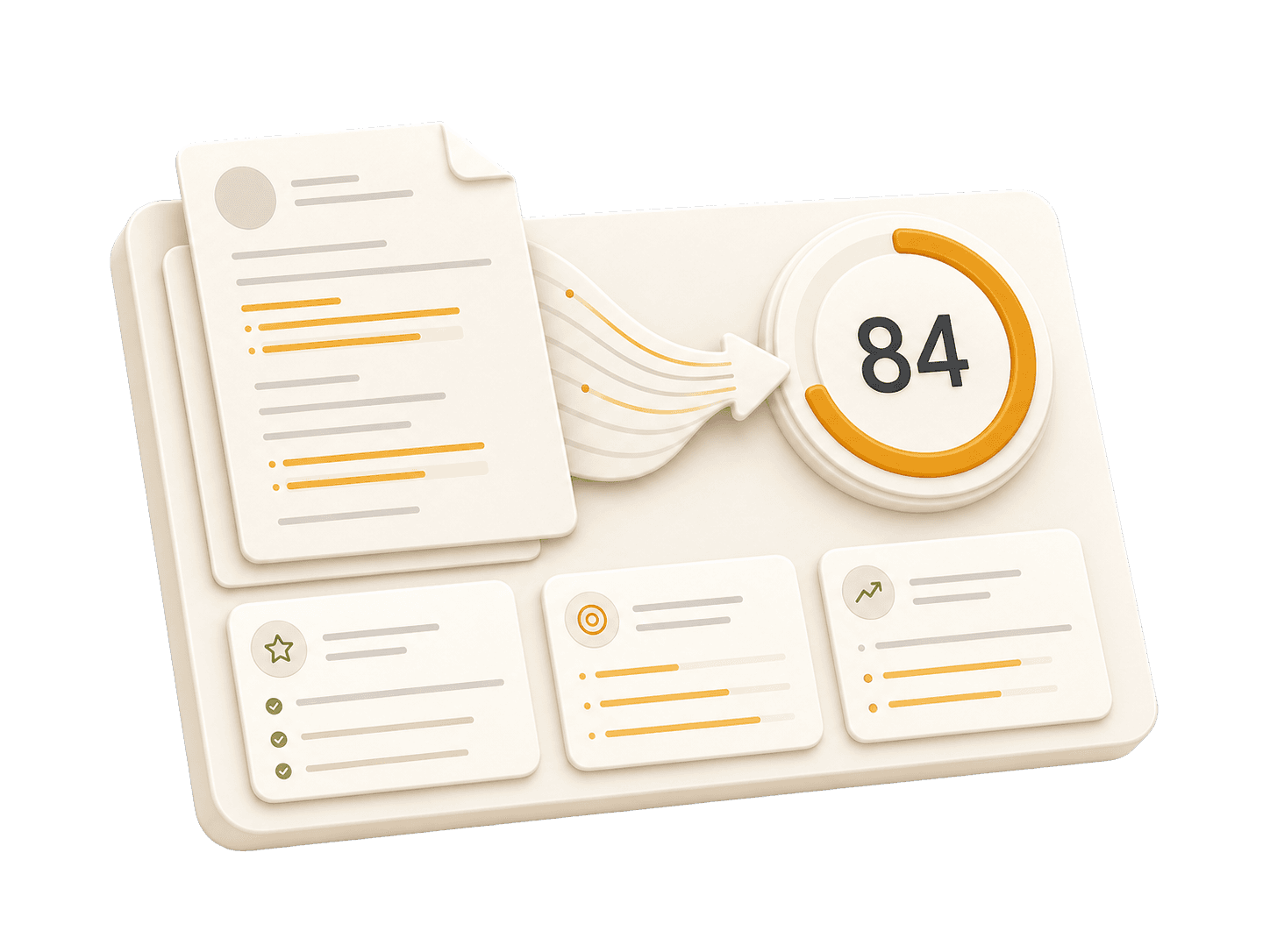
Add your resume to run a free score and get prioritized fixes.
Expert guidelines and best practices for each section of your resume.
01
First Name Last Name City, State, Zip Code Phone Number | Email Address LinkedIn Profile URL | Portfolio URL (Optional)
Your contact information is the first section recruiters see. Keep it concise and professional. Ensure your email address is appropriate (e.g., [email protected]). Include your LinkedIn profile for a comprehensive view of your professional journey. A portfolio or personal website is recommended for creative, technical, or design roles.
Do not include your full physical address (street number/name) for privacy reasons. Avoid including personal details like marital status, age, photo, or social security number unless specifically required in your country. Do NOT use unprofessional email addresses such as '[email protected]'. For artists and designers, avoid including GitHub links - instead, provide links to ArtStation, Behance, or a portfolio site.
See clear examples of how to format contact details effectively.
John Doe 1234 Random St, Apt 56 New York, NY 10001 [email protected] github.com/aliciacode Single, 28 years old
Alicia Chen Los Angeles, CA (555) 123-4567 | [email protected] linkedin.com/in/aliciachen | artstation.com/aliciachen
02
Professional Title
Result-oriented [Role Name] with [Number] years of experience in [Key Skills/Industries]. Proven track record of [Major Achievement]. Skilled in [Key Technologies/Skills]. Committed to delivering [Specific Value] for [Target Industry/Company type].
A professional summary is your elevator pitch. It should be 3-5 sentences long, summarizing your experience, key skills, and major achievements. Tailor it to the job description by using relevant keywords. Focus on what makes you unique and the value you bring to potential employers.
Avoid generic objectives like 'Looking for a challenging role to grow my skills.' Recruiters want to know what value you bring to them, not what you want from them. Don't use first-person pronouns (I, me, my). Keep it concise and impactful.
Compare a weak objective with a strong professional summary.
Objective: I am a hard-working individual looking for a Assistant Copy Editor position where I can learn new things and advance my career.
Senior Assistant Copy Editor with 6+ years of experience in technical documentation. Reduced turnaround time by 30% through implementation of a content management system. Expert in API documentation, style guide creation, and Git version control.
03
Technical Skills
Soft Skills
Group your skills logically (e.g., Languages, Frameworks, Tools). Focus on hard skills relevant to the job. List skills in order of proficiency or relevance. Soft skills are better demonstrated through bullet points in your experience section rather than a bare list.
Do not list skills you are not comfortable using in an interview. Avoid using progress bars or percentages to rate your skills (e.g., 'Java: 80%') as they are subjective and often misinterpreted. Don't include outdated technologies unless specifically required.
Java: Advanced; Python: Intermediate
Languages: Java, Python
Git is a version control system that I know well
Version Control Systems: Git
04
Job Title | Company Name | Location Month Year – Month Year
This is the core of your resume. Use reverse-chronological order (most recent first). Start each bullet with a strong action verb. Focus on achievements and impact, not just duties. Use numbers to quantify your impact (dollars, percentages, time saved, users affected). Show progression and increasing responsibility.
Avoid passive language like 'Responsible for...' or 'Tasked with...'. Don't list every single daily task; focus on significant contributions and measurable outcomes. Avoid jargon that recruiters outside your field won't understand.
Practical example showing do's and don'ts for experiences
Tasked with editing user manuals, resulting in improved clarity.
Edited 75+ software user manuals, improving readability and comprehension for end-users by 30%.
Managed documentation updates for API projects.
Led the creation of 40+ API documentation files, ensuring technical accuracy and clarity for developers.
05
Degree Name | University Name | Location Month Year – Month Year
List your highest degree first. If you have significant work experience, keep the education section brief. Include your GPA only if it is above 3.5 or if you are a recent graduate. Highlight relevant coursework, academic projects, honors, or leadership roles.
Do not include high school details if you have a college degree. Avoid listing every single course you took; select only the most relevant ones. Don't include graduation dates from decades ago if age discrimination is a concern in your field.
Practical example showing do's and don'ts for educations
Bachelor of Arts in English | University of California, San Francisco | San Francisco, CA January 2013 – December 2017
Bachelor of Science in Computer Information Systems | San Francisco State University | San Francisco, CA September 2013 – May 2017
06
Project Name | Tools/Technologies Used
Projects are excellent for demonstrating practical skills, especially if you lack work experience or are changing careers. Include a link to your portfolio or demo if possible. Focus on projects that show problem-solving skills and relevant tools for the target role.
Don't include trivial tutorials unless you significantly expanded on them. Avoid projects that are outdated, incomplete, or irrelevant to the role you're applying for. Don't just list technologies—explain what you created and why it matters.
Practical example showing do's and don'ts for projects
Created a blog post explaining how to use Git. No custom content or challenges mentioned.
Developed a personal documentation project to create comprehensive user guides for open-source software projects, improving accessibility and usability for end-users.
Common questions about this role and how to best present it on your resume.
Focus on editing volume, documentation types, style-guide work, and the tools you use to review, track, and publish content.
Use outcomes tied to clarity, turnaround time, error reduction, review efficiency, or consistency across documentation sets.
Not always, but experience with product docs, knowledge bases, or API content can strengthen your resume for software and SaaS roles.
Mention tools that match the job posting, such as CMS platforms, style guides, documentation tools, version control, and collaborative review software.
Create a professional, optimized resume in minutes. No design skills needed—just proven results.
3 out of 4 resumes never reach a human eye. Our keyword optimization increases your pass rate by up to 80%, ensuring recruiters actually see your potential.
