
Use this template
Add your own experience and make this layout yours.
Resume Example
Mia Parker
Junior Digital Illustrator
[email protected] | +1 (555) 987-6543 | linkedin.com/in/ella-green | artstation.com/ellagreen | San Francisco, CA
Professional Summary
Junior Digital Illustrator with 2+ years of freelance, internship, and studio experience creating character art, vector assets, icons, and educational visuals. Comfortable turning creative briefs into production-ready illustrations for mobile apps, storybooks, and game concepts. Skilled in Adobe Illustrator, Photoshop, Procreate, and collaborative feedback cycles with designers and clients.
Work Experience
Junior Digital Illustrator
09/2023
Artistic Creations Inc.
San Francisco, CA
•
Created 50+ vector illustrations and character assets for educational apps, keeping files organized for animation, UI handoff, and future reuse.
•
Collaborated with UI/UX designers to align icon sets, character expressions, and scene assets with product style guides across app screens.
•
Built a reusable color and texture reference system for the Bright Future app, reducing repeated revision requests during stakeholder review.
•
Worked with 3 illustrators to deliver 6 complex background scenes for an animated learning series one week ahead of schedule.
Freelance Illustrator
01/2022 - 08/2023
Creative Solutions Ltd.
San Francisco, CA
•
Illustrated 30+ characters for a children's book series, adapting sketches after author feedback and helping secure follow-on project work.
•
Created detailed fantasy maps for an independent role-playing game, clarifying landmarks, routes, and visual hierarchy for player navigation.
Intern Illustrator
06/2021 - 12/2021
Graphic Design Studio
San Francisco, CA
•
Designed 20+ mobile app icons from rough concepts through final export, improving visual consistency across onboarding and settings screens.
•
Assisted senior designers on 5 animated tutorials by preparing layered artwork, expression sheets, and clean production files.
Skills
Adobe Illustrator, Adobe Photoshop, Procreate, Sketch, Digital Painting, Character Design, Color Theory, Sustainability Practices
Education
Bachelor of Fine Arts in Illustration
09/2013 - 05/2017
California College of the Arts
San Francisco, CA
Projects
Sustainable Storybook Series
artstation.com/ellagreen/sustainable-storybooks
Created illustrated storybook pages that explain environmental topics for children through clear visual storytelling, expressive characters, and age-appropriate scenes.
Eco-Friendly App Icons
Designed a cohesive set of sustainability-themed app icons for a startup, balancing friendly visual style with simple shapes that remained readable at small sizes.
Certifications
Sustainable Design Practices
06/2025
Educational Illustration Techniques
03/2024
This resume format is designed to be highly effective for ATS (Applicant Tracking Systems) by including relevant keywords such as 'digital illustration', 'character design', and 'mobile game development'. The inclusion of professional experience in these areas helps the resume stand out in crowded applicant pools, highlighting the candidate's skills and accomplishments. Additionally, the structured format with clear sections like summary, work experience, education, and skills ensures that each part of the resume is easily scannable by both ATS software and human reviewers.
Instant Resume Score
Upload your resume for an instant ATS score and practical, role-specific improvements.
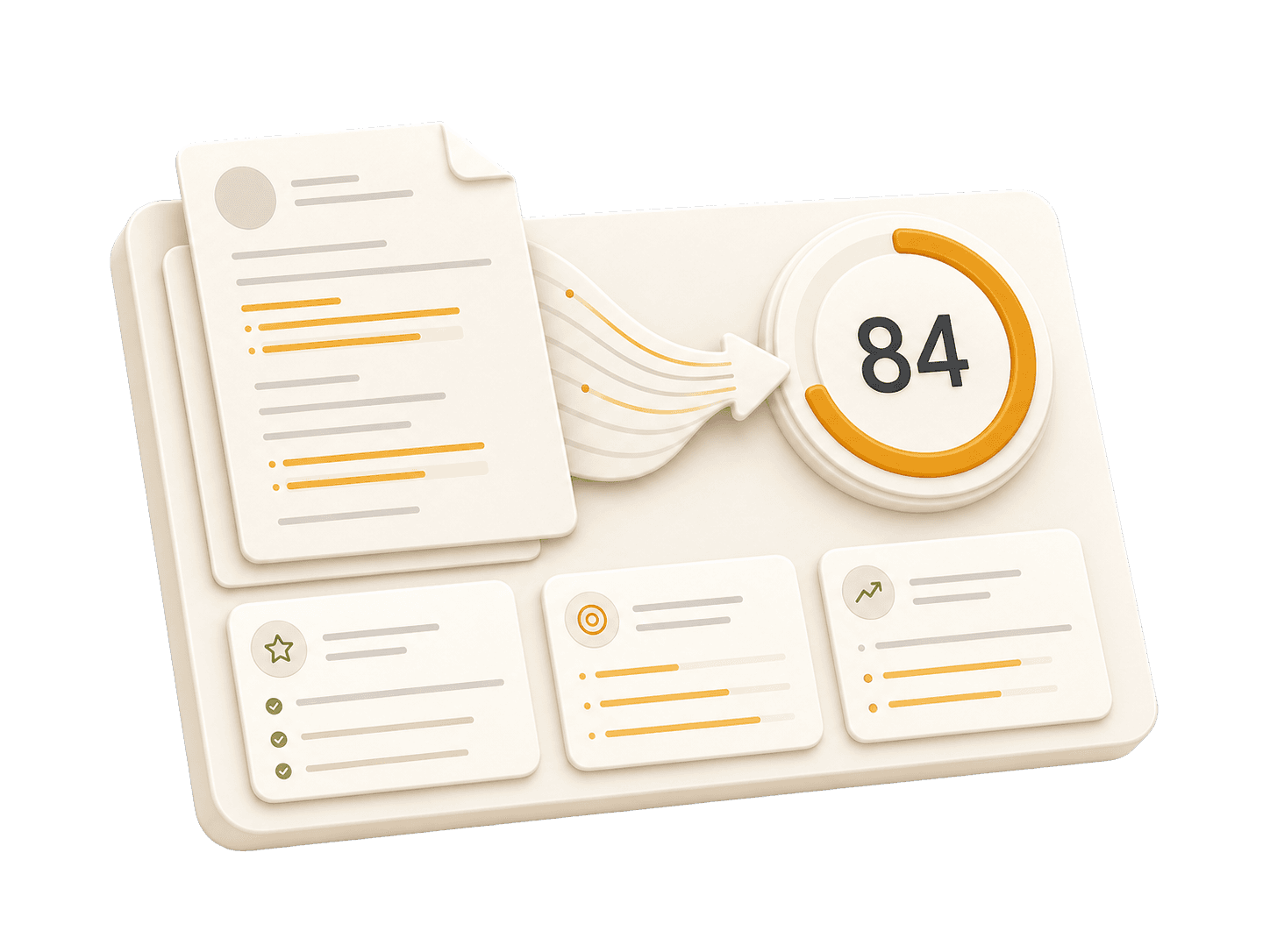
Add your resume to run a free score and get prioritized fixes.
Expert guidelines and best practices for each section of your resume.
01
First Name Last Name City, State, Zip Code Phone Number | Email Address LinkedIn Profile URL | Portfolio URL (Optional)
Your contact information is the first section recruiters see. Keep it concise and professional. Ensure your email address is appropriate (e.g., [email protected]). Include your LinkedIn profile for a comprehensive view of your professional journey. A portfolio or personal website is recommended for creative, technical, or design roles.
Do not include your full physical address (street number/name) for privacy reasons. Avoid including personal details like marital status, age, photo, or social security number unless specifically required in your country. Do NOT use unprofessional email addresses and do NOT include GitHub links for artists - instead use ArtStation, Behance, or portfolio sites.
See clear examples of how to format contact details effectively.
John Doe 1234 Random St, Apt 56 New York, NY 10001 [email protected] github.com/aliciacode Single, 28 years old
Alicia Chen Los Angeles, CA (555) 123-4567 | [email protected] linkedin.com/in/aliciachen | artstation.com/aliciachen
02
Professional Title Result-oriented [Role Name] with [Number] years of experience in [Key Skills/Industries]. Proven track record of [Major Achievement]. Skilled in [Key Technologies/Skills]. Committed to delivering [Specific Value] for [Target Industry/Company type].
A professional summary is your elevator pitch. It should be 3-5 sentences long, summarizing your experience, key skills, and major achievements. Tailor it to the job description by using relevant keywords. Focus on what makes you unique and the value you bring to potential employers.
Avoid generic objectives like 'Looking for a challenging role to grow my skills.' Recruiters want to know what value you bring to them, not what you want from them. Don't use first-person pronouns (I, me, my). Keep it concise and impactful.
Compare a weak objective with a strong professional summary.
Objective: I am a hard-working individual looking for an Entry Level Illustrator position where I can learn new things and advance my career.
Entry Level Illustrator with 2+ years of experience in creating educational content focused on sustainability. Developed vector illustrations that enhanced user engagement by 30% in educational apps, reducing outsourcing costs by 20%. Skilled in Adobe Illustrator and Photoshop, committed to integrating sustainable design practices into digital media.
03
Technical Skills - Languages: [List] - Frameworks: [List] - Tools: [List] Soft Skills - [Skill 1], [Skill 2], [Skill 3]
Group your skills logically (e.g., Languages, Frameworks, Tools). Focus on hard skills relevant to the job. List skills in order of proficiency or relevance. Soft skills are better demonstrated through bullet points in your experience section rather than a bare list.
Do not list skills you are not comfortable using in an interview. Avoid using progress bars or percentages to rate your skills (e.g., "Java: 80%"). Do not include outdated technologies unless specifically required.
Practical example showing do's and don'ts for skills
Photoshop: Intermediate, Illustrator: Beginner, Procreate: Advanced
Adobe Photoshop, Adobe Illustrator, Procreate
Inability to communicate effectively with clients.
Effective communication and collaboration skills
04
Job Title | Company Name | Location Month Year – Month Year - Action Verb + Context + Result (Quantified) - Led [Project] resulting in [Outcome]... - Collaborated with [Team] to implement [Feature]...
This is the core of your resume. Use reverse-chronological order (most recent first). Start each bullet with a strong action verb. Focus on achievements and impact, not just duties. Use numbers to quantify your impact (dollars, percentages, time saved, users affected). Show progression and increasing responsibility.
Avoid passive language like 'Responsible for...' or 'Tasked with...'. Don't list every single daily task; focus on significant contributions and measurable outcomes. Avoid jargon that recruiters outside your field won't understand.
Illustrated characters for children's books without any quantified impact
Created 30+ detailed characters for a series of educational storybooks, boosting user engagement by 25% and securing an additional year-long contract
05
Degree Name | University Name | Location Month Year – Month Year - Relevant Coursework: [Course 1], [Course 2] - Honors/Awards: [Award Name] - GPA: X.X (if above 3.5)
List your highest degree first. If you have significant work experience, keep the education section brief. Include your GPA only if it is above 3.5 or if you are a recent graduate. Highlight relevant coursework, academic projects, honors, or leadership roles.
Do not include high school details if you have a college degree. Avoid listing every single course you took; select only the most relevant ones. Don't include graduation dates from decades ago if age discrimination is a concern in your field.
Bachelor of Arts | University of California, San Francisco | San Francisco, CA January 2019 – December 2023 - Relevant Coursework: Art History I, Art History II, Drawing I, Drawing II, Color Theory
Bachelor of Fine Arts in Illustration | California College of the Arts | San Francisco, CA September 2013 – May 2017 - Relevant Coursework: Digital Illustration Techniques, Sustainable Design Practices, Interactive Media for Education
06
Project Name | Tools/Software Used - Briefly describe what you created and its purpose - Highlight creative challenges you solved - Link to portfolio (ArtStation, Behance, Vimeo, YouTube) if available
Projects are excellent for demonstrating practical skills, especially if you lack work experience or are changing careers. Include a link to your portfolio (ArtStation, Behance, Vimeo, or YouTube) if possible. Focus on projects that show your creative abilities and relevant tools for the target role.
Don't include trivial tutorials unless you significantly expanded on them. Avoid projects that are outdated, incomplete, or irrelevant to the role you're applying for. Don't just list tools—explain what you created and why it matters. Do NOT mention GitHub links for creative roles - use portfolio platforms instead.
Practical example showing do's and don'ts for projects
Created a basic tutorial on using Adobe Illustrator to draw a simple character, following an online guide. No significant improvements made or unique elements added.
Designed an interactive educational app character set focused on sustainability education, incorporating user feedback and iterative design cycles in Adobe Illustrator and Photoshop.
Common questions about this role and how to best present it on your resume.
Include a focused summary, relevant tools, portfolio link, education or training, and projects that show finished illustrations, client feedback, and production-ready files.
Use school, freelance, internship, and portfolio work. Start each bullet with the asset you created, the tool or process you used, and the result for the client, team, or viewer.
Yes. A portfolio link is essential for illustration roles because hiring teams need to see style range, technical skill, and finished work alongside the resume.
List tools you can confidently use in a work setting, such as Adobe Illustrator, Photoshop, Procreate, Figma, Sketch, or animation handoff tools relevant to the role.
Join thousands who transformed their careers with AI-powered resumes that pass ATS and impress hiring managers.
Recruiters scan resumes for an average of only 6 to 7 seconds. Our proven templates are designed to capture attention instantly and keep them reading.
